
EmpireUC apps & devices
One number on every screen.
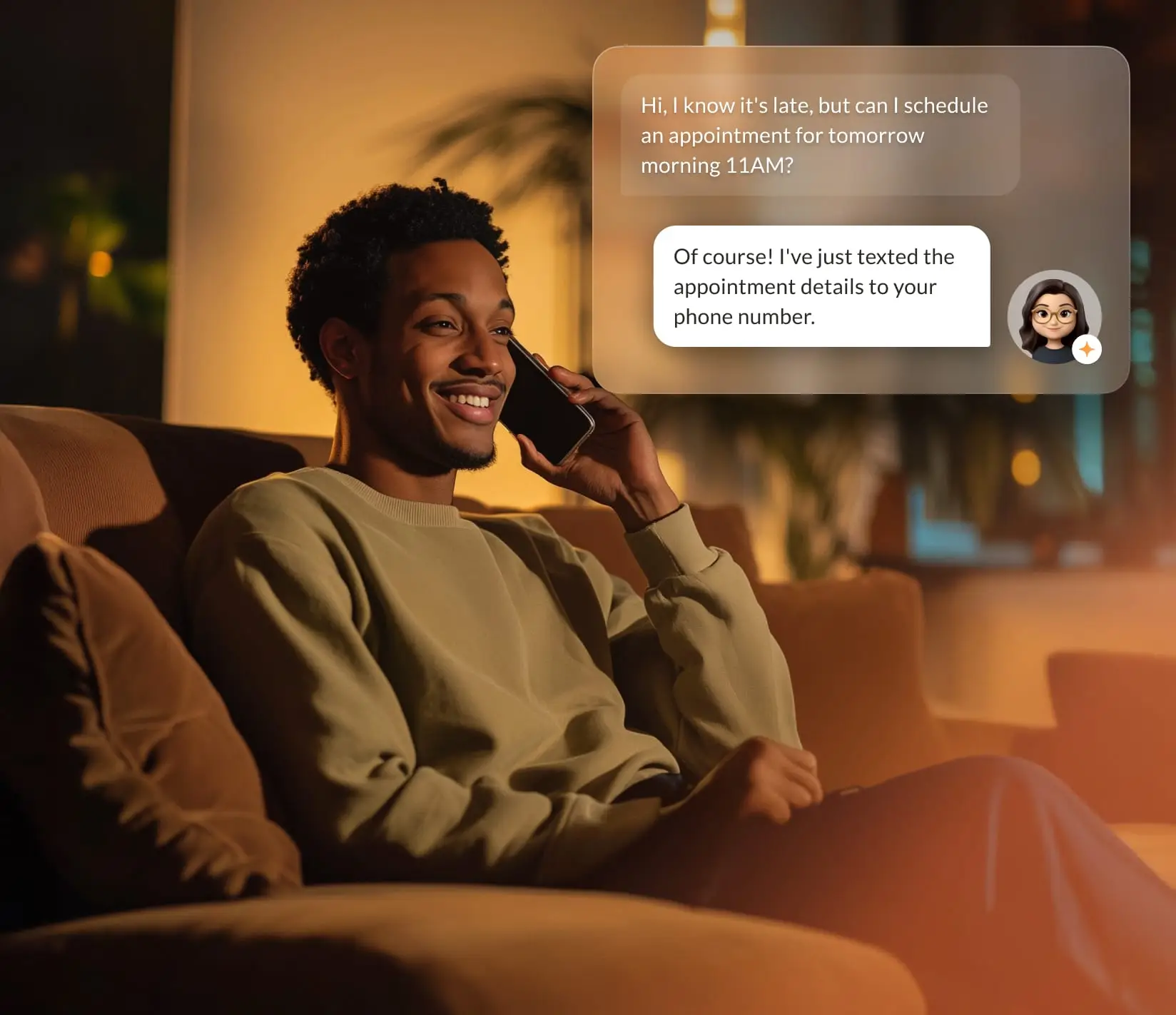
The desk phone, the laptop and the phone in your pocket all ring as the same extension. Answer on whichever is closest, and the voicemail lands in one place.
Ring all
Answer wherever you are.
A call to your extension rings every device you have signed in. Pick it up on one and it stops on the rest.
Desktop app
Your desk phone, on the laptop.
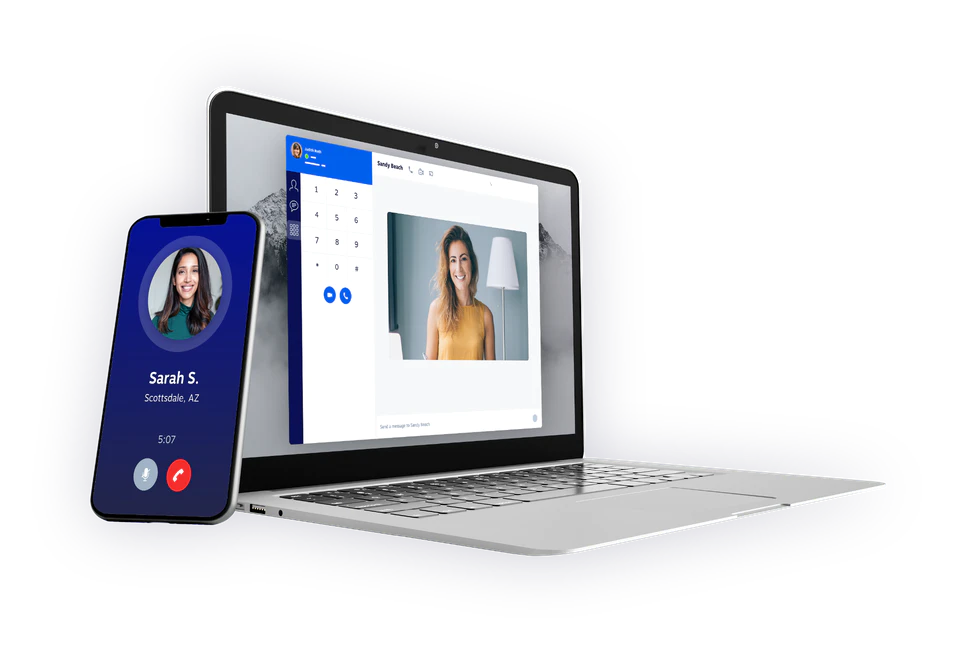
Answer, transfer, hold and text from the laptop with a headset. Everything the desk phone does, in a window.
- Calls, transfers and hold
- Voicemail with transcription
- Texting from the business number
Mobile app
The office line, in your pocket.
Staff on the move answer as their extension, not their personal number. Callers see the business number either way.
- Same extension, same voicemail
- Forward on the schedule you set
- Business texting where 10DLC is registered

Desk phones
Works with the phones people like.
EmpireUC runs on Yealink, Poly, Mitel and Grandstream desk and video phones. Already have phones? Tell us the models and we’ll tell you whether they’ll work.




Headsets
For the people on calls all day.
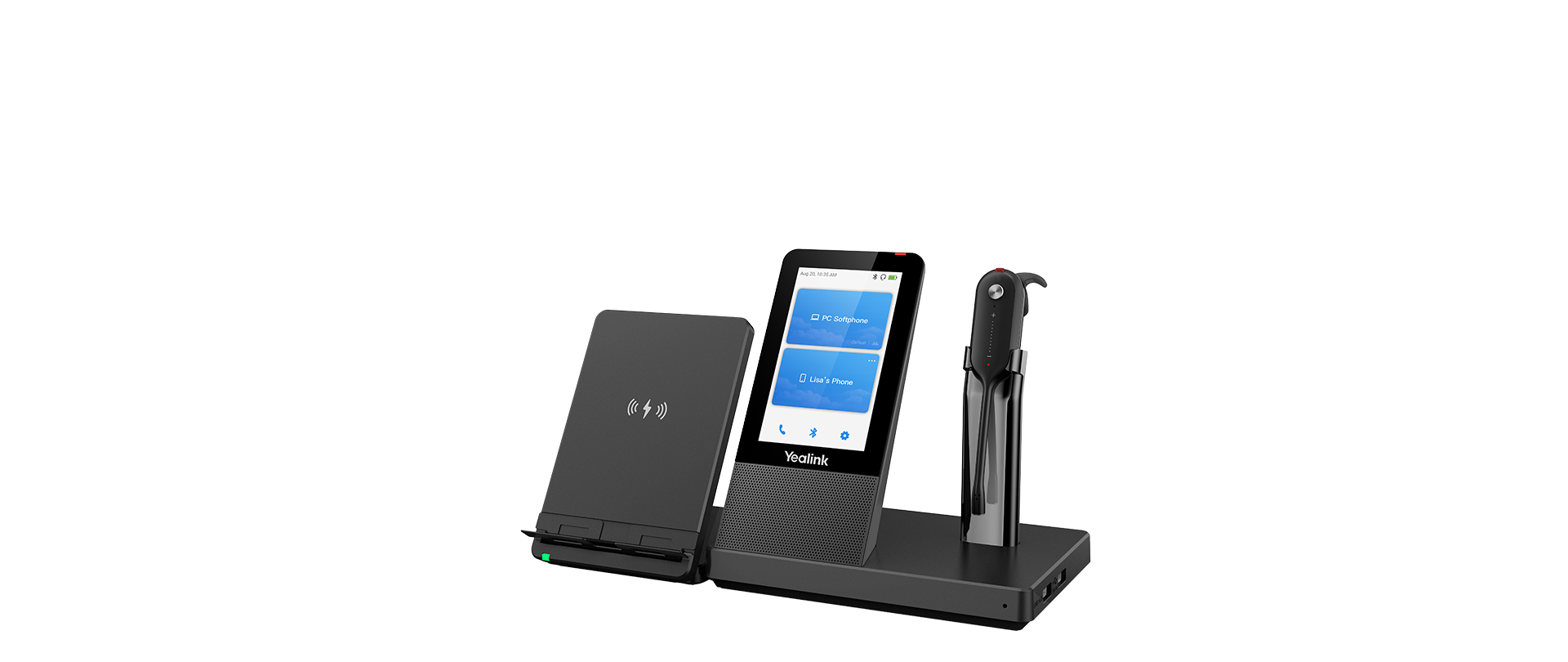
Wireless DECT headsets for the floor, USB headsets for the laptop. We check your handset model before recommending anything, and ship them paired.
Book a demo
See EmpireUC ring a desk phone, a laptop and a mobile at the same time.