Cloud phone · UCaaS
Your office line, on every device.
Unlimited calling on your desk phone, mobile app and computer for one low price — with video meetings and business texting in the same app. We carry every major platform, so you get the one that fits.
Calling everywhere
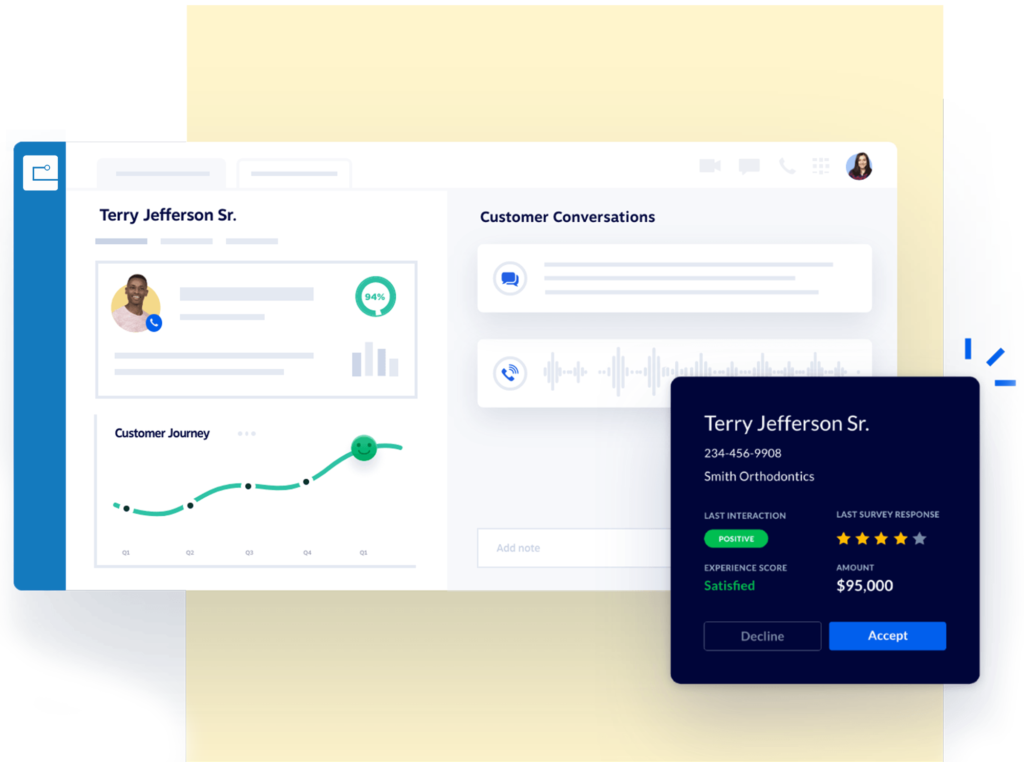
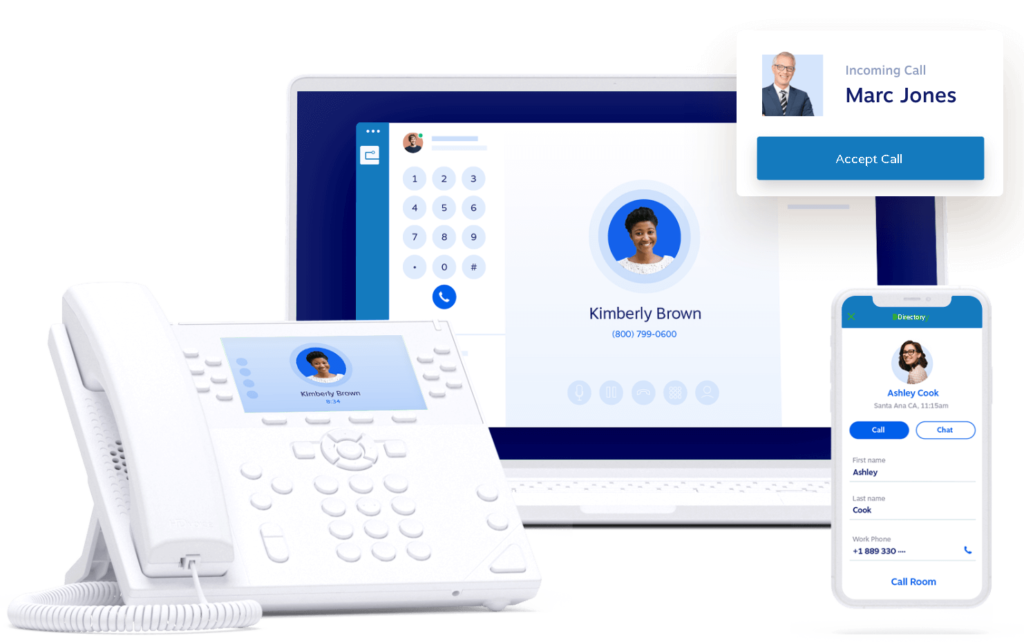
One extension, one voicemail box and one number follow you across every device you register, at no extra cost. Take your desk phone home, plug it in, and it’s your office line.
Business texting
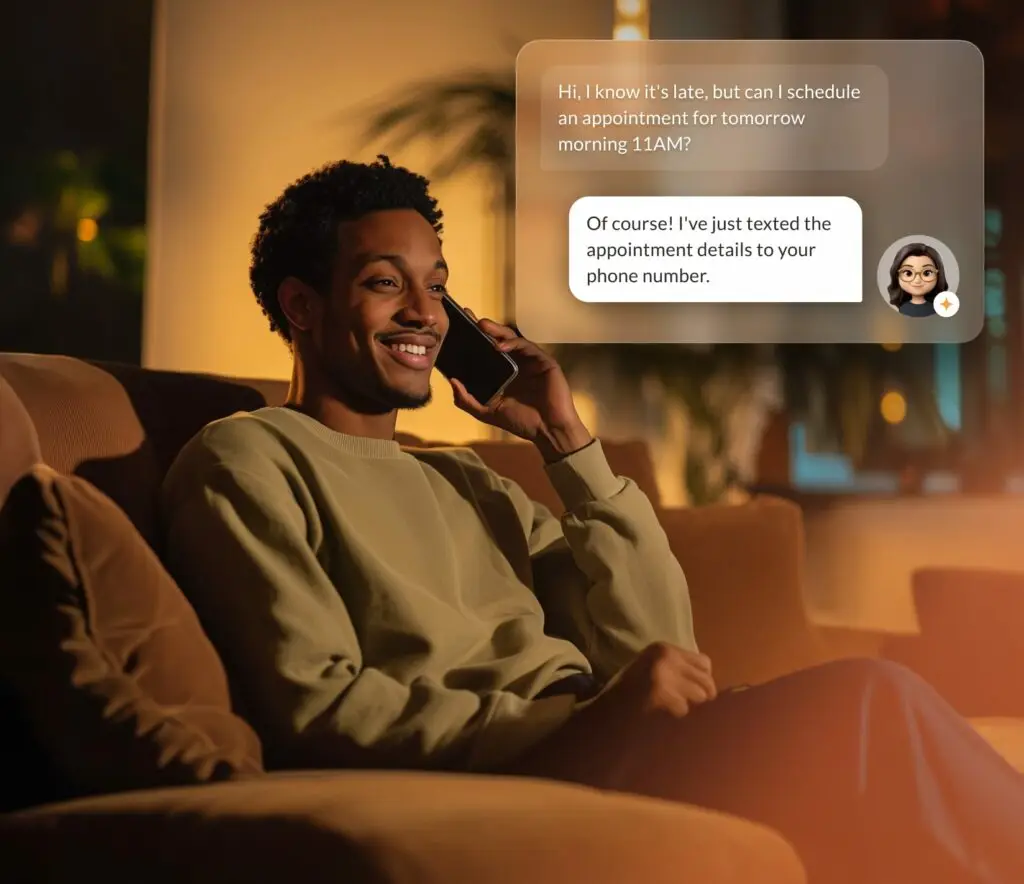
Text from your main company number, or any other number on your account, in the same app you call from. Customers get a business number to reply to — and you stop handing out your personal cell.
Video meetings
HD video and audio meetings on one of the industry’s most reliable networks, with encrypted screen and file sharing built in. Running an event or workshop? Set up and host the live stream from the same app.
Desktop and mobile apps
The same system on your phone and your laptop — answer, transfer and text from anywhere.
43 features
Everything a phone system should do.
Search by what you need. Availability varies by platform — we’ll match you to one that has it.
Answering & routing
Auto attendant
If you’ve ever heard, “Press 1 for sales, press 2 for support,” then you’ve used an auto attendant. Using a cloud PBX, set up your auto attendant in seconds, not days. Your team will appreciate speaking to the right callers every time.
Call queues
Enable callers to wait on hold for the next available agent. Call Queues minimize rejected calls and deliver a great customer experience. With a cloud PBX, you won’t need any specialized hardware to provide call queuing.
Answering rules
Give your business phone system the flexibility to work according to any hours of operation schedule. Based on a range of options, answering rules can route calls for your company’s main number as well as for individual extensions and mailboxes.
Intelligent call routing
Handle incoming calls by directing them to the correct department or team automatically. Advanced call routing criteria can include the calling number, called number, or business hours.
Ring groups
Create the call group that fits: broadcast groups, where every phone rings at once; linear groups, where calls ring in a set order; and radial groups, where a call rings each extension a set number of times in turn.
Advanced call handling
Give your office the ability to block, route, and transfer calls intelligently. Every business can leverage advanced PBX features to provide the perfect customer experience beyond voicemail.
Company directory
Admins have the option of publishing the company directory by first or last name. Choose to use our automated default greeting option or upload your own personalized recording of your Company Directory list.
On-hold messaging
Promote exclusive sales or special events happening for your company while your customers are on hold. Easily update your business announcements upon season, holidays, events, and more!
Calling
Local numbers anywhere
Choose any phone number your business needs in any area code. No matter where your office is, handle inbound and outbound calls with confidence. It’s super simple to manage your company’s phone lines with a cloud PBX.
Phone numbers (DIDs)
Direct numbers (DIDs) are ordinary phone numbers that ring straight into your system. Choose area codes in all 50 states and numbers in over 80 countries.
Caller ID
Flexible Caller ID options that help to improve communication and increase productivity. Caller ID lets the receivers instantly know who’s calling before they answer the call, creating better customer experiences and making it easier for your teams to do their jobs well.
Call park
Parking a call allows you to hold calls in a virtual location and retrieve them from any desk phone in your system.
Intercom
With intercom, you can make announcements via desk phones to colleagues across all your office locations.
Paging
Paging lets you make real-time, one-way announcements to multiple desk phones and overhead paging devices.
Power keys
Power Keys allow your phone to have additional lines, monitor calls on other phones and pick up calls coming to other extensions. Learn how to configure your power keys.
Call delegation
Call Delegation is a visual, easy way for admin assistants who are placing calls on behalf of executives to manage a high volume of call transfers. It also simplifies the call experience for executives.
Feature codes
Short codes dialed from any phone in the system — for example, set 999 to forward to a field agent’s cell phone.
Call blocking
Call Blocking allows users to prevent incoming calls from specific telephone numbers. This option can be helpful with eliminating spam calls, telemarketing, and other unwanted telephone calls.
Call screening
Take complete control over who can reach your company. Take calls from particular callers, block specific numbers, and send others directly to voicemail.
Work from anywhere
Desktop & mobile apps
Desktop and mobile apps for every platform we carry, so your extension goes wherever you do.
Work from anywhere
Work from Anywhere feature lets you take your deskphone away from the office, plug into high-speed internet, and get the system functionality and full business phone system experience you expect—anywhere.
One extension, many devices
With this multi-line phone system, you can use many devices for one extension (e.g., deskphone at work, deskphone at home, and softphone on your smartphone or laptop). This multi line phone system lets you use the same phone number, voice mailbox, and extension for all your registered phones at no additional cost.
Call forwarding
Many employees need to step out or travel from time to time, and our call forwarding service helps them stay in touch when they are out of the office. Forward calls to a home phone or mobile number so you won’t miss business calls when you’re away from your desk.
Follow Me
Follow Me is a call following feature for business professionals who find themselves out of the office, but need to stay connected at all times of the day. It’s part of our helpful Never Miss a Call options, which helps you receive calls, even when you’re away from your desk.
Call Flip
With Call Flip, you can transfer a call answered on your mobile phone back to your deskphone, or from your deskphone to your mobile phone. And the call flip is seamless, so the person you’re speaking with never knows you switched devices.
Answer from anywhere
Answer questions and respond to customers both in the office and on the go. You can answer customers from anywhere at any time with the mobile app.
Click-to-dial
Dial Pad: Bring up a dial-pad to call any number right from the toolbar. Use the dial pad to call from any web page that has phone numbers.
Messages & meetings
Business SMS
Your Mobile App lets you send and receive business text messages via your Business Communications number.* You can even use Business SMS when you’re at your computer using Desktop, so you don’t have to use your personal phone number to stay connected.
Voicemail to email
Receive voicemail messages, including caller information in your inbox. Voicemail-to-email saves you time in dialing to get your voicemail messages. Just open your email and listen.
Virtual voicemail
Virtual Voicemail gives each extension its own virtual voicemail box, offering secure access to messages on your Mobile App, your phone, or your User Portal.* Program the Virtual Voicemail box to send business voicemails to email, play different messages when you’re out of the office or for specific callers, and more.
Virtual fax
Send and receive faxes on the go, from your email or online portal
Video conferencing
Secure video meetings for teams and clients, built into the same app you call from.
Audio conferencing
Audio conference calls with up to 1,000 people, with local dial-in numbers.
Reporting & AI
Analytics & wallboards
See inbound and outbound call performance at any time — and put the live numbers on a wallboard for the team.
Performance reports
Get up-to-the-hour reporting for a wide variety of call metrics. Performance Reports supports, such as number of missed calls with voicemail, average speed of answer, and number of refused calls.
Live reports
Live Reports provides easy-to-understand dashboards that include helpful information on agent performance and the overall customer service experience.
Call history
See all of your history, recent calls, and take action all without leaving the page.
Call recording
Record calls automatically, with no hardware. Recordings are stored securely and only authorized staff can play them back — useful for resolving disputes and for coaching. (Check the call-recording consent rules in your state.)
Voice Intelligence (Vi)
On Dialpad, Voice Intelligence (Vi) transcribes calls, takes notes automatically and picks up customer sentiment, so you learn more from every conversation.
Live Coach
Live coaching (on supported platforms) suggests next steps during sales calls, and managers can listen in, advise, or take over a call when needed.
Post-call automation
After each call, summaries, key takeaways and action items are written up automatically and can be logged to Salesforce or HubSpot (on supported platforms).
Admin & integrations
Web portal
A web portal where administrators set up and manage the system, and each user controls their own settings and profile.
Webhooks & APIs
Most unified communications systems have several webhook API’s. These APIs will send a block of information to the URL you specify when certain events are triggered. Each block of information will have information about the event that was triggered, and you can use that information to perform actions with integrated systems.
No feature matches that. Try a shorter word, or ask us.
Integrations
Works with the tools you already use.
Every business is different, and the integration you need may not exist yet as a ready-made connector. When it doesn’t, we build it. Our development team works with you to connect your phone system to a proprietary CRM, an industry-specific application or a system you built yourself — scoping what you need, designing it and implementing it.
 Mailchimp
 Microsoft Teams
 Slack
Slack Salesforce
 Zapier
 Akazio
 Skype
Skype Google
 Microsoft 365
 Dropbox
 Microsoft Outlook
 Firefox
 Alexa
Alexa Google Calendar
 Stripe
 Theta Lake
 Chorus.ai
 Microsoft Dynamics
 Google Drive
 Gong
Gong Shadow
 Cloze
Cloze Gorgias
 SugarCRM
 Pickle
Apps
Get the app for your platform.
Already a customer? Find your platform and install the app on iPhone, Android or desktop. Not sure which one you’re on? Your welcome email says — or call support.
| Platform | Download |
|---|---|
| RingCentral | App Store · Google Play |
| net2phone | App Store · Google Play · Desktop |
| Windstream We Connect | App Store · Google Play |
| Nextiva | App Store · Google Play |
| Dynalink | App Store · Google Play |
| Vonage | App Store · Google Play |
| 8x8 Work | App Store · Google Play |
| Mitel Connect | App Store · Google Play |
| Genesys Cloud | App Store · Google Play |
| 3CX | App Store · Google Play |
| Dialpad | App Store · Google Play |
See it on a real call.
Book a live demo and ask us anything about how it would work for your team.